na33 bdt Deposit Guide: Step-by-Step for Every Payment Method

By the end of this page you will know exactly how to add funds to your na33 bdt account using bKash, Nagad, Rocket, Upay or Bank Transfer — including the minimum amount, expected arrival time, and what to do if something goes wrong.

Payment Methods at a Glance

All five deposit channels are instant and free on our end. The minimum deposit is ৳150 for every method. Funds typically reach your game wallet within 6 minutes. No deposit fee is charged by na33 bdt.

  • bKash Min Deposit৳150 Arrival~6 min
  • Nagad Min Deposit৳150 Arrival~6 min
  • Rocket Min Deposit৳150 Arrival~6 min
  • Upay Min Deposit৳150 Arrival~6 min
  • Bank Transfer Min Deposit৳150 Arrival~6 min

How to Make Your First Deposit on na33 bdt

Before you deposit, make sure your na33 bdt account is registered and you are logged in. Then follow these four steps — the whole process takes under three minutes on a phone.

  1. Log In to Your Account

    Open na33 bdt on your browser or the APK app. Tap Log In and enter your phone number and password.

  2. Go to the Deposit Page

    Tap the wallet icon or select Deposit from the account menu. All available payment channels appear here.

  3. Choose a Method and Enter Amount

    Select bKash, Nagad, Rocket, Upay or Bank Transfer. Type the amount — minimum ৳150 — and confirm.

  4. Complete Payment and Save TrxID

    Follow the on-screen payment prompt. Once done, save the Transaction ID (TrxID) from your wallet app as proof.

Step-by-Step for Each Wallet

bKash

  1. Open your bKash app and tap Send Money.
  2. Enter the na33 bdt merchant number shown on the deposit page — do not use any other number.
  3. Enter the deposit amount (minimum ৳150). Add your na33 bdt user ID as the reference.
  4. Enter your bKash PIN to confirm. Never share this PIN with anyone.
  5. Copy the TrxID from the confirmation screen and paste it into the na33 bdt deposit form.
  6. Tap Submit. Funds arrive within 6 minutes.

Nagad

  1. Open the Nagad app and select Send Money.
  2. Enter the deposit number displayed on the na33 bdt deposit screen.
  3. Type the amount (minimum ৳150) and add your na33 bdt account number in the message field.
  4. Confirm with your Nagad PIN.
  5. Note the TrxID and enter it on the deposit form before submitting.

Rocket (Dutch-Bangla Bank)

  1. Dial *322# or open the Rocket app. Choose Send Money.
  2. Enter the Rocket number shown in your na33 bdt deposit panel.
  3. Enter the amount (minimum ৳150). Use your na33 bdt user ID as the reference.
  4. Confirm with your Rocket PIN.
  5. Record the TrxID and submit it on the deposit form.

Upay

  1. Log in to the Upay app and tap Send Money.
  2. Enter the Upay merchant number from the na33 bdt deposit screen.
  3. Enter your amount (minimum ৳150) and your na33 bdt user ID as the reference.
  4. Confirm with your Upay PIN or fingerprint.
  5. Copy the TrxID and paste it into the deposit form. Submit to complete.

Bank Transfer

  1. Select Bank Transfer on the na33 bdt deposit page. The bank account details (account name, number, branch) appear on screen.
  2. Log in to your bank's internet banking or mobile app and initiate an online transfer.
  3. Enter the amount (minimum ৳150). In the remarks field, write your na33 bdt user ID.
  4. Confirm and authorize the transfer with your bank's security step (OTP or token).
  5. Screenshot the confirmation. Enter the bank transaction reference in the na33 bdt deposit form and submit.
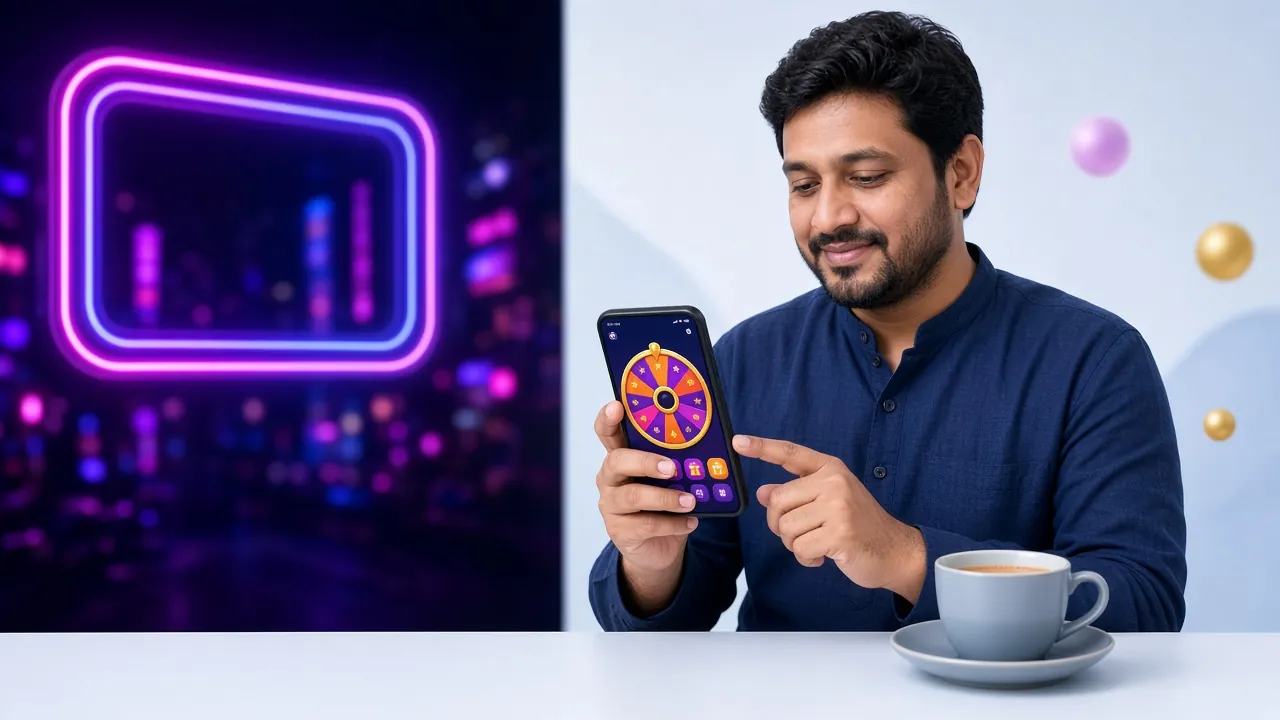
A player on a smartphone making a mobile wallet deposit on na33 bdt casino platform

Common Deposit Failures and How to Fix Them

Most deposit issues are resolved within minutes. Here are the most frequent causes and what to do next.

Issue Likely Cause What To Do
Funds not credited after 6 min TrxID not submitted or entered incorrectly Check the deposit form — resubmit with the correct TrxID from your wallet app.
Wrong number used Copied an outdated or unofficial merchant number Always use the number shown on the na33 bdt deposit page at the time of transfer — numbers can rotate.
Amount below minimum Transfer was under ৳150 Contact 24/7 Live Chat with the TrxID. Do not send a second transfer until confirmed.
Deposit form expired Session timed out before submitting TrxID Log in again, start a new deposit request, and re-enter the TrxID from the original transaction.
Mobile wallet transaction declined Wallet balance too low or daily limit reached Check your wallet balance and daily transfer cap directly in the wallet app. Try a different method.

If none of the above applies, open a 24/7 Live Chat ticket with your TrxID, transfer amount and timestamp. Our team responds immediately.

Deposit and Withdrawal Limits by Account Level

All limits below are fixed values from na33 bdt's platform. The minimum deposit is ৳150 regardless of VIP level. Withdrawal limits increase as you reach higher tiers.

Account Level Min Deposit Min Withdrawal Daily Withdrawal Cap
All levels (deposit) ৳150 ৳400 See below
Starter ৳150 ৳400 ৳30,000
Silver (৳60,000/mo turnover) ৳150 ৳400 ৳44,000
Gold (৳1,70,000/mo turnover) ৳150 ৳400 ৳63,000
Ruby (৳4,80,000/mo turnover) ৳150 ৳400 ৳92,000
Sapphire (৳13,00,000/mo turnover) ৳150 ৳400 ৳1,30,000

Deposits have no upper cap set by na33 bdt — your mobile wallet's own daily transfer limit may apply. Withdrawals of any amount within the daily cap are processed within 6 minutes. First-time withdrawals may take up to 6 hours while your account details are confirmed.

Protect Your Mobile Wallet When Depositing

Fraud targeting online gaming players is real. Follow this checklist every time you make a deposit — it takes five seconds and can save you from a costly mistake.

  • Never share your PIN or OTP No staff member from na33 bdt, bKash, Nagad or Rocket will ever call you asking for a PIN or one-time password. End the call immediately if someone does.
  • Ignore calls claiming to be customer support Fraudsters impersonate casino support and ask you to "verify" a deposit by reading out an OTP. Genuine support only operates via in-app Live Chat — never by phone call.
  • Only transfer to the number on-screen The merchant number displayed on your na33 bdt deposit page is the only correct destination. Do not use a number sent to you by SMS, Telegram or WhatsApp from an unknown contact.
  • Screenshot every transaction Take a screenshot showing the recipient number, amount, date/time and TrxID immediately after each transfer. Keep it until your funds are confirmed in your game wallet.
  • Save the TrxID before closing The TrxID is your only proof of payment. If the deposit form expires and you lose the TrxID, recovery becomes much harder. Copy it to notes first, then fill the form.
  • Report suspicious messages right away If you receive a message impersonating na33 bdt and asking for wallet access, report it via Live Chat immediately — include the sender's number or username.

na33 bdt Deposit Methods — Which Wallet Fits Your Situation

All four mobile wallets and Bank Transfer work equally well on our platform. The right choice depends on your typical deposit size, your location's network coverage and how widely you already use each app.

Wallet Works Best For Coverage Speed Notes
bKash Most Popular All deposit sizes, everyday use Nationwide, widest agent network in Bangladesh ~6 min Highest user base. If you already have bKash on your phone, this is the easiest option.
Nagad Smaller deposits, rural areas Very wide, strong in district towns ~6 min Government-backed MFS. Charges tend to be lower for small send-money transactions. Good fallback when bKash is busy.
Rocket Dutch-Bangla Bank account holders, larger transfers Major cities and DBBL branch areas ~6 min Linked to Dutch-Bangla Bank accounts. Useful if you receive salary via DBBL and want to deposit directly without converting cash.
Upay UCB account holders, tech-savvy users Growing, urban-focused ~6 min Operated by United Commercial Bank. Supports biometric login and QR payments. A good choice if you bank with UCB.
Bank Transfer Large deposits, business accounts All scheduled banks ~6 min Best when your wallet has a low daily cap or you are moving a larger sum. Requires internet banking access.

Speed is consistent across all five methods because na33 bdt processes deposits automatically. The 6-minute figure applies to normal hours; exceptionally heavy traffic periods may extend this slightly. If 15 minutes pass without credit, contact Live Chat.

Deposit Questions Players Ask Us Most

What is the minimum deposit on na33 bdt?

The minimum deposit is ৳150 for every payment method — bKash, Nagad, Rocket, Upay and Bank Transfer. There is no processing fee charged by na33 bdt. Your wallet provider may apply its own transfer fee for some transaction types; check your wallet app's fee schedule.

How long does a na33 bdt deposit take to arrive?

Funds normally appear in your game wallet within 6 minutes. The deposit is processed automatically once you submit the TrxID on the deposit form. If 15 minutes have passed and the balance has not updated, check that the TrxID was entered correctly, then contact 24/7 Live Chat with the TrxID and transaction timestamp.

Can I deposit without submitting a TrxID?

No. The TrxID is how our system matches your wallet transfer to your account. Without it, the payment cannot be credited automatically. Always copy the TrxID from your wallet app's confirmation screen before closing that screen, then paste it into the na33 bdt deposit form and hit Submit.

Does my na33 bdt deposit count toward the welcome bonus?

Yes. Your first deposit qualifies for the 120% welcome bonus up to ৳9,500. The bonus is applied automatically after the deposit is confirmed, provided you have not yet made any previous deposit. The wagering requirement is 16× the total of deposit plus bonus. Bonus funds are valid for 7 days. See the Bonus & VIP page for full terms.

What should I do if I sent money to the wrong number?

Contact 24/7 Live Chat immediately with the TrxID, the number you sent to, the amount, and the time. If the number belongs to a na33 bdt merchant account, the team can trace and credit your funds. If you accidentally sent to a completely unrelated number, you will also need to contact your wallet provider's customer support directly — na33 bdt cannot recover funds sent outside our merchant accounts.

Is there a maximum amount I can deposit in one transaction?

na33 bdt does not set a maximum deposit cap per transaction. However, your mobile wallet or bank will have its own daily send-money limits — for example, bKash personal accounts have a fixed daily outgoing limit. If you need to deposit more than your wallet's single-transaction cap, you can split the deposit into multiple transactions; each one still needs its own TrxID submitted on a fresh deposit form.

Ready to Add Funds and Start Playing?

Open an account in under two minutes, make your first deposit of at least ৳150, and the 120% welcome bonus is applied automatically.

Register and Deposit Now

18+ · Play Responsibly. Gambling carries financial risk. Only deposit money you can afford to lose. If gambling is causing harm, contact a support helpline. na33 bdt supports responsible play.