na33 bdt Withdrawal Guide: Get Your Money in Minutes
Read this page and you will know exactly how to submit a na33 bdt withdraw request, what documents to prepare before your first payout, why a withdrawal might be rejected, and what to do if the money does not arrive on time.
- SSL Encryption
- 6-Min Processing
- 24/7 Support
- bKash & Nagad
- 18+ Only
Withdrawal Limits and Processing Time
These are the hard limits that apply to every na33 bdt withdraw request, regardless of VIP level. Higher tiers get raised daily caps — see the VIP table further down.
| Rule | Amount / Time | Notes |
|---|---|---|
| Minimum withdrawal | ৳400 | Requests below this are rejected automatically. |
| Maximum per day (Starter) | ৳30,000 | Resets at midnight UTC+06. |
| Maximum per day (Silver+) | ৳44,000+ | See VIP tier table on the Bonus & VIP page. |
| Processing time | 6 minutes | After approval; bKash and Nagad are fastest. |
| First-time withdrawal | Up to 6 hours | KYC review adds time on your first request. |
| Processing fee | None | na33 bdt charges no withdrawal fee. |
- Min. Withdraw
- ৳400
- Daily Cap
- ৳30K
- Arrives In
- 6 min
Daily limits reset every midnight (Dhaka time, UTC+06). If you hit the cap, your remaining balance can be withdrawn the next day without any penalty.
Complete KYC Before Your First na33 bdt Withdraw
na33 bdt requires a one-time identity check before it releases your first payout. Submit it early — the review takes up to 12 hours, so do it the same day you plan to withdraw.
Accepted identity documents
- National ID Card (NID)
- Passport (any valid Bangladeshi passport)
- Driving Licence
Photo requirements
- File format: JPG, PNG or PDF — under 5 MB each.
- Both sides of your NID or driving licence in a single upload if possible.
- No blur, glare or shadow covering the ID number or your photo.
- The name must match the name on your na33 bdt account exactly.
- Selfie with the document held next to your face — required only if the system prompts you.
How to upload your documents
-
1
Log in to your account
Go to na33-bdt.cam/na33-bdt-login/ and enter your username and password.
-
2
Open Account Settings → KYC
Tap your avatar in the top-right corner, then choose "Profile" and select the "Documents" tab.
-
3
Upload a clear photo
Choose your document type, tap "Upload File," and select the image from your phone gallery.
-
4
Wait for approval (up to 12 hours)
You will get a notification once the review is done. After approval, your first withdrawal will be released in up to 6 hours.
Your data stays private
na33 bdt only uses your documents for identity verification. They are stored on encrypted servers and are never shared with third parties outside of regulatory requirements.
Step-by-Step: Submit a Withdrawal Request
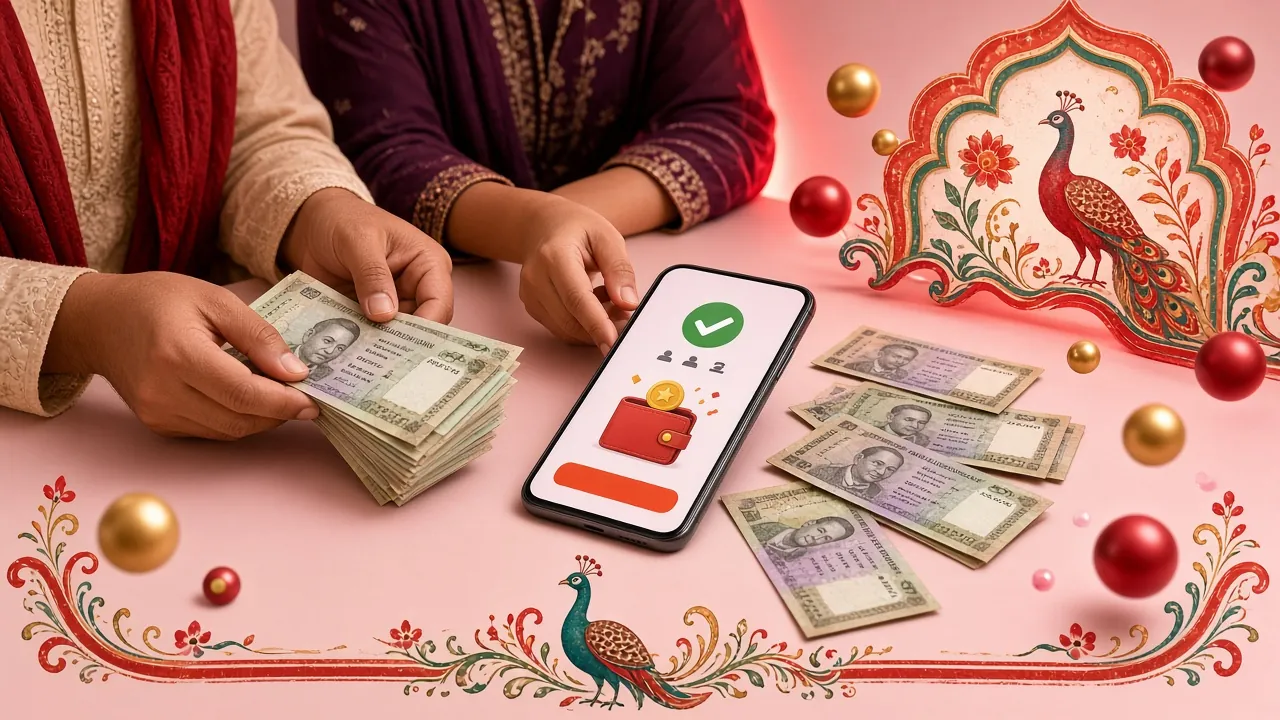
Once your KYC is approved, every future withdrawal follows these five steps. The whole process takes under two minutes on the app or mobile site.
Log In
Use your registered phone number and password.
Open Wallet
Tap "Wallet" then choose "Withdraw."
Choose Method
Select bKash, Nagad, Rocket, Upay or Bank Transfer.
Enter Amount
Minimum ৳400, maximum ৳30,000 per day.
Confirm & Done
Money arrives in about 6 minutes. Save the TrxID.
Common reasons a withdrawal request is declined
KYC not approved
Upload your NID/Passport before your first na33 bdt withdraw.
Wagering unmet
Bonus funds require ×16 wagering before they can be withdrawn.
Wrong wallet number
The bKash or Nagad number must match the one on your account.
Below minimum
Requests under ৳400 are blocked. Add more winnings first.
Supported Payout Channels
All five payment methods have the same 6-minute processing time and zero fees from na33 bdt's side. Your mobile wallet provider may apply its own transfer fee.
- bKash Withdraw 6 min Fee: None
- Nagad Withdraw 6 min Fee: None
- Rocket Withdraw 6 min Fee: None
- Upay Withdraw 6 min Fee: None
- Bank Transfer Withdraw 6 min Fee: None
Wallet number must match
The mobile number you enter for bKash or Nagad must be the same number saved in your na33 bdt profile. Mismatches cause instant rejection.
Update My NumberWhen the Money Does Not Arrive — Diagnosis & Fix
Most payout delays have a simple cause. Work through the table below before contacting support — it saves time for everyone.
| Problem | Most likely cause | What to do |
|---|---|---|
| Money not in bKash/Nagad after 15 minutes | Mobile operator network delay or bKash/Nagad system maintenance window. | Wait a further 10 minutes and check the transaction history inside the bKash/Nagad app. If the TrxID shows "Pending," the operator is still processing. Contact the wallet helpline if it stays pending over 30 minutes. Keep TrxID |
| Withdrawal request rejected immediately | Amount below ৳400, wagering requirement not met, or the recipient wallet number does not match the account. | Check the error message on screen. If it says "wagering," open the Bonus page to see your remaining playthrough. For a number mismatch, go to Profile → Payment Methods and correct the number before resubmitting. Check Error |
| Amount returned to wallet balance | The receiving mobile account was closed, was over its daily receive limit, or the account name did not match. | Log in to na33 bdt and open the Wallet → History tab. If the status shows "Returned," update your payment details and resubmit the withdrawal. Contact 24/7 Live Chat if the funds do not reappear in your balance within 10 minutes. Live Chat |
| Wrong transaction ID entered in a deposit | Copy-paste error or switching between apps caused the TrxID to be truncated. | Go to Wallet → Deposits → Pending, then tap the deposit entry and choose "Edit TrxID." Enter the correct 10-digit ID exactly as shown in your bKash/Nagad send receipt. The deposit should confirm within a few minutes. Edit TrxID |
| Withdrawal status stuck on "Processing" for over 30 minutes | Manual review triggered (unusual amount, new device, or first withdrawal after a long break). | This is a security check on our side. It resolves automatically in most cases. If it persists past 1 hour, open Live Chat and share the withdrawal reference number so the team can prioritise it. Share Ref No. |
na33 bdt's support team is available 24/7 via Live Chat inside the app or website. Always have your withdrawal reference number and TrxID ready when you reach out.
Protect Your Mobile Wallet — What Every Player Must Know
Scammers target players who have just made a withdrawal. These habits keep your bKash and Nagad accounts safe every time you transact with na33 bdt.
-
Never share your PIN or OTP with anyone. na33 bdt staff will never ask for your mobile wallet PIN, OTP, or account password — by phone, SMS, or chat. If someone asks, end the conversation immediately and report it via Live Chat.
-
Only transfer to wallet numbers shown inside the site. Always copy the recipient number directly from the Deposit page on na33-bdt.cam. Do not use a number sent to you by SMS or Messenger — that is a classic phishing trick used by fraudsters impersonating our support team.
-
Save a screenshot of every transaction. After each bKash or Nagad send, take a screenshot showing the TrxID, amount, and timestamp. Store it for at least 30 days. If a deposit or withdrawal query arises, this screenshot lets support resolve it in minutes rather than hours.
-
Ignore calls and texts claiming to be na33 bdt customer service. We contact players only through the Live Chat widget inside the site or app, and through the email address on your account. We do not make unsolicited phone calls. If you receive one, do not follow any instructions — hang up and log in directly at na33-bdt.cam to check your account.
-
Change your account password regularly. Use a password that is at least 10 characters long and different from your bKash or Nagad PIN. If you think your account has been accessed without your permission, change the password immediately and contact our 24/7 Live Chat.
Questions Players Ask About na33 bdt Withdrawals
What is the minimum amount I can withdraw from na33 bdt?
The minimum withdrawal is ৳400. Any request below this amount is declined automatically. There is no limit on the number of withdrawals per day, as long as the total does not exceed ৳30,000 for Starter accounts. If you have a Silver, Gold, Ruby, or Sapphire VIP status, your daily cap is higher — check the full breakdown on the Bonus & VIP page.
How long does the first withdrawal take?
Your very first na33 bdt withdraw takes up to 6 hours because the team completes a one-time KYC review. Submit your NID or Passport as soon as you register — do not wait until you are ready to withdraw. Once KYC is approved, every future payout processes in about 6 minutes via bKash, Nagad, Rocket, or Upay. Bank Transfers follow the same 6-minute window, though your bank's own cut-off times may add a small delay.
Can I withdraw bonus money straight away?
No. Bonus funds — including the welcome bonus — must be wagered ×16 before they convert to real, withdrawable cash. For example, if you receive a ৳500 bonus, you need to wager a total of ৳8,000 across eligible games before the bonus value can be withdrawn. The Wallet page shows your current wagering progress in real time. Only your real-money deposits are available for withdrawal before the wagering is complete.
When does the daily withdrawal limit reset?
The ৳30,000 daily cap resets every midnight Dhaka time (UTC+06:00). So if you withdrew ৳30,000 at 11 PM on Monday, you can withdraw again from 12:01 AM Tuesday onwards. The timer is based on the server clock, not your local phone time, so make sure you account for the timezone if you are outside Bangladesh when you play.
Does na33 bdt charge any fee for withdrawals?
na33 bdt charges zero fees on all withdrawal methods. However, your mobile wallet provider — bKash, Nagad, Rocket, or Upay — may apply a small cash-out fee on their end. Check the latest fee schedule on your wallet app before withdrawing a large amount. Bank Transfers may also attract your bank's standard incoming transfer fee, which varies by institution.
Will I need to go through KYC again later?
Normally, no. KYC at na33 bdt is a one-time process, and your verification stays active as long as your documents are valid and your account information does not change. You may be asked to re-verify if you change your registered mobile number, if your NID expires, or if the risk team flags unusual account activity. If this happens, the support team will notify you by in-app message and explain exactly what to upload. The re-verification process follows the same 12-hour review window.
Ready to Make Your First Withdrawal?
Open an account now, make a deposit of at least ৳150, and start playing. When you are ready to cash out, the minimum is just ৳400 — and it arrives in 6 minutes.
Already have an account? Log in to na33 bdt and head to Wallet → Withdraw.
18+ · Play Responsibly. Withdrawals are only available to players who have passed KYC. Bonus funds are subject to ×16 wagering before withdrawal. If gambling is causing you harm, seek help at a local support service.